
I.Fingerprint lockWhat should I do if the system is locked?
The smart lock will disable the unlocking function after three incorrect password attempts, requiring a waiting period before the password can be re-entered. We recommend that users directly use the administrator's fingerprint. If you consistently use fingerprint unlocking, this issue will not occur. If you forget the password, you can use a spare key to unlock the door, or directly contact a locksmith.
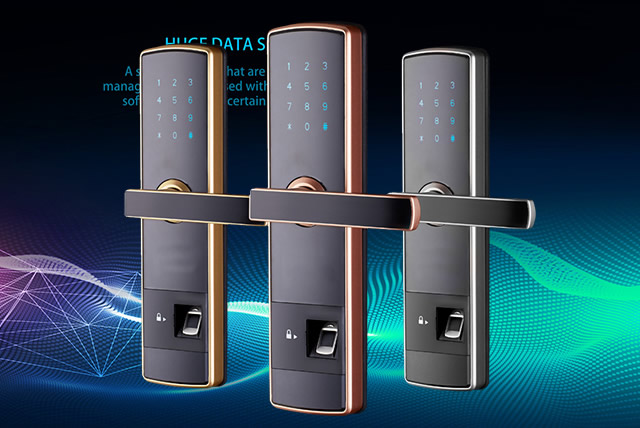
Fingerprint password locks may fail to open if the internal circuitry is malfunctioning. If you are unsure, you can contact the retailer for assistance. Repeated incorrect attempts to enter the fingerprint or password will also cause the lock to fail. This failure is essentially the lock's internal system automatically locking, which usually takes a few minutes to recover. This is to prevent unauthorized attempts to open the lock.
II.Password lockHow long will it take for the system to unlock?
This typically occurs when the password lock system has been locked due to multiple incorrect attempts. This often happens due to accidental or unauthorized access. If you accidentally exceed the allowed number of attempts (usually 3-5), the lock will automatically disengage. If you cannot find the spare key or card, you can wait 15-30 minutes for the lock to unlock automatically. Please note that the locking time settings may vary depending on the brand of the lock. If you encounter this situation, please refer to the electronic manual or contact the vendor for assistance.