
One: How to set the password and fingerprint for a fingerprint-activated padlock.
1、Password setting method
First, open the smart fingerprint lock and enter the initial password to access the administrator mode. After entering the password, you will see four options. Select option "2" to set up users. once you enter the user setup interface, you will see three options. Select number "1" to add a user. After the user is successfully added, you can set the password.
2、Fingerprint setting method
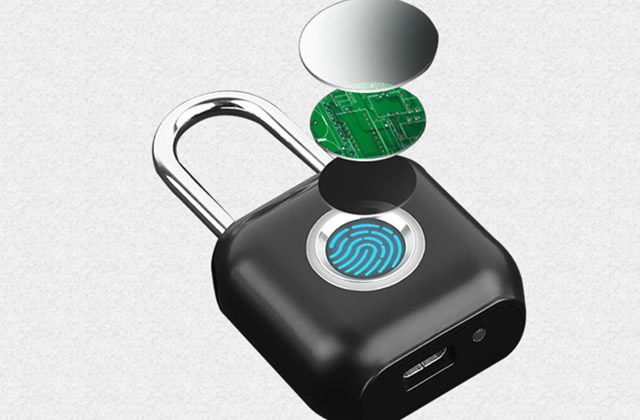
First, press the back button on the screen. After pressing the back button, a prompt will appear to enter the administrator password. After entering the administrator password, press the "OK" button. Then, press the "8" and "5" buttons to navigate up and down, and select "Fingerprint Management". Finally, select either "Enter a regular user" or "Enter an administrator user" and then enter the fingerprint.
Two. What should I do if the fingerprint lock is not opening?
1、Insufficient power
If the fingerprint lock is not functioning due to a dead battery, you can replace the battery or recharge it using a charger, which will restore its normal functionality.
2、Main board damage/loss
If the main board is severely damaged due to prolonged use, we will need to request a replacement from the after-sales service. The typical warranty period for after-sales service is approximately one year.
3、Motor failure
If the issue is due to a motor malfunction, we need to repair or replace the entire motor. This repair typically falls outside the warranty, and the repair cost can be quite high. Therefore, if the motor is damaged, it is recommended to simply purchase a new one. A new fingerprint-based lock can be purchased for around $100.