
One、How to change the password for a password lock
1. Press the power button on the bottom of the external panel three times, and the buzzer will emit a long beep.
2. Enter the old password and press the '#' key to confirm. The buzzer will emit a long beep, and the LED will flash.
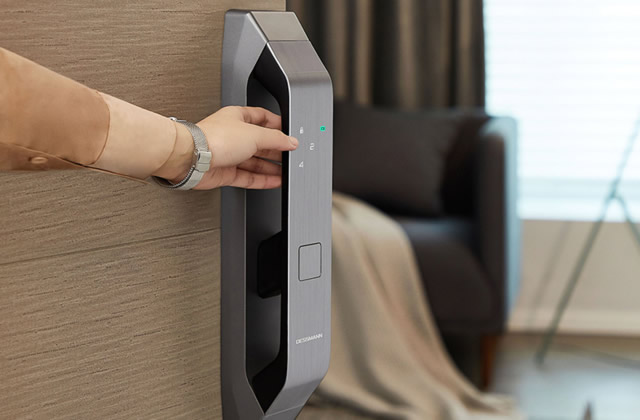
3. Enter a new password with 6 to 12 characters and press the '#' key to confirm. A long beep will sound.
4. Re-enter the same new password and press the '#' key to confirm.
Note: If an error occurs during the setup process, the system will exit the setup program. If the input is correct, a long beep (or musical tone) will sound to indicate success, and the LED will turn off.
II. Solutions for common issues when an electronic door lock is not opening
1、The password lockout is triggered when the incorrect password attempts exceed a certain threshold. This is implemented for security reasons, similar to a bank card, where users are prompted to re-enter their password after a specified period if they have made too many incorrect attempts.
2. If the lock is broken, contact the manufacturer to replace it.
3. If you have forgotten your password, you can find the relevant properties to modify or change.
4、Regardless of the reason, the password cannot be used to open the door. A spare key can be used instead.
5. If someone has locked the door to a room, the issue of being unable to open the door with a password may also occur. In this case, it is necessary to call and ask the person inside the room to unlock the door.
6. If the password has been deleted, it should be reset and a new password should be entered.