
One, how to install an electronic card lock
1. First, the circuit needs to be debugged. The battery red wire is positive, the black wire is negative, and GND is negative. Use a 2-core cable to connect the lock, GND to GND, and +12 to +12 (GND adjacent to each other).
2. Operate the door switches to ensure proper functionality. If the remote control or PID card is unfamiliar, it is recommended to initially avoid connecting them. Do not connect the battery.
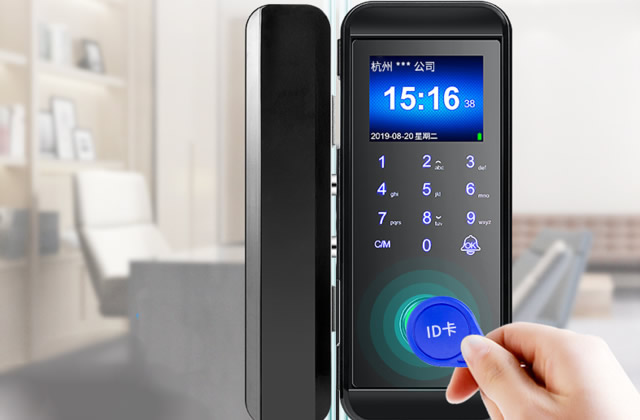
3. Strengthen the door frame with mechanical reinforcement, fix the bottom plate, and install screws in the lock's four fixing holes, securing it to the door. The corresponding slot on the right side is for installing magnets.
4、Conduct debugging with the PID card and remote control, connect the battery, and if the card cannot be recognized, an alarm will sound. Follow the instructions and use the remote control to open the door.
Two. How to add a card to an IC card lock.
1. After waking up the door lock screen, enter the initial password 123456, and then press the [#] key to enter the smart fingerprint door lock system menu.
2、 After entering the system menu page via the smart door lock, users can select to add a user or perform other operations.
3. Access the user interface to add methods such as IC card, fingerprint, or password, and configure the IC card.
4、Simply select the "Add IC Card" interface to enter and input, and after successful input, a number will be displayed. After pressing the "Exit" button, you can use the IC card to open the door.