
One, how to change the password for an electronic lock
Electronic password lock reset method 1:
1. First, press the corresponding panel and select the "Enter" key, which allows access to the management menu. Then, input your fingerprint to access the user settings.
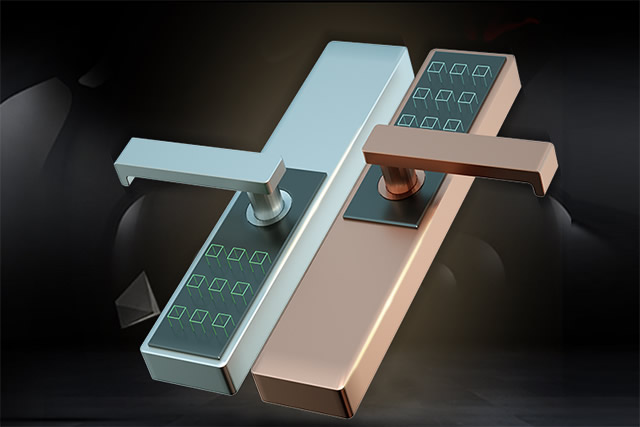
2. Next, select "Add User" and enter a new password (6-12 characters). Press the # key to indicate successful setup. If you wish to continue setting user passwords, follow the voice prompts to enter new passwords. To return to the settings interface and perform other operations, press the * key. If you do not wish to continue, press the # key again, or wait a short period, and the system will automatically exit.
Method 2: How to change the password for an electronic lock
1. First, locate the power button on the exterior of the panel. Press the "*" button repeatedly until a long beep is heard.
2. Then, enter the old password, and press the "#" key to confirm. The buzzer will emit a long beep, and the LED will flash.
3. Then, enter a new password consisting of 6 to 12 characters, press the "#" key to confirm, and then press the buzzer once.
4. Please re-enter your new password and press "#" to confirm the successful modification.
Two. important considerations for using electronic locks.
1、Review the password lock instructions: Before using the remote control, it is advisable to carefully review the lock's instructions, including its installation, setup, and common function settings, to ensure a thorough understanding.
2. Avoid direct contact between the password lock and water: Any high-tech product has this rule, and password locks are no exception. Electronic components or circuit boards inside electronic products must be waterproof.
3. When purchasing, consider the reputation and service level of the distributor: To prevent lock distributors from recommending counterfeit or substandard products to consumers based on their own interests.
4、Regularly clean the surface of the password lock: During cleaning, use a clean, dry cloth or paper towel to wipe, but do not use water, alcohol, acidic substances, or other chemical cleaning agents.
5. Consider the sensitivity of the lock's sensor: There should be no "no response" or "error" occurrences. Ensure the brand of the lock is clear, and verify the stability of the password.