
One, steps for producing hotel room cards
(1) Software Settings
1、Software License: Place the software license card on the reader. Locate the license section within the software and click to activate it.
2、Change Password: Add operators and assign different permissions.
3. Configure hotel layout: Add hotel floors, zones, areas, and levels.
4、Add room type: Enter the room number, and ensure that the room number corresponds to the correct building, district, area, and floor.
(ii) Prepare setting cards
Prepare the hotel key card system, including room setting cards, time cards, and initialization cards, etc. Each room setting card should be affixed with the corresponding room number. Time cards must be immediately activated and used; if not used within 1 hour, they must be re-issued. Initialization cards are used to clear door lock authorization information and must be stored securely.
(iii) Configure door lock information
1. Check if the door lock is installed correctly and if the battery is properly installed.
2. Configure door lock information, with the following order: access card - room setting card (swipe the corresponding room number) or time card. If all lights are illuminated normally, it indicates successful configuration.
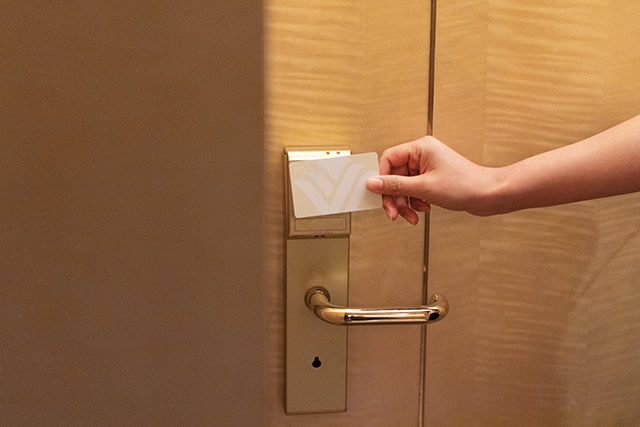
3. Test: Use the corresponding room guest card to operate the door, and the door should open.
II. How to produce hotel keys
When a guest checks into a hotel, a guest card needs to be issued. The guest card can unlock the door lock of the assigned room, with restrictions based on time, room number, and anti-theft settings. The guest card is held by the guest staying at the hotel. How does the hotel's IC card system issue a guest card?
1、After entering the hotel IC card door lock system software main interface, click on the "Reception" option.
2. After entering the front desk reception interface, issue guest cards to simulate guest check-in. Test whether the door lock can be opened with the guest card. If the door lock cannot be opened, reset it according to the door lock's audible and visual prompts.
3、Area A: This is the selection area for the building and floors, allowing users to quickly select apartment numbers by clicking on a specific building or floor.
4、Area B: For selecting a room within a specific zone. If there are many room numbers, it may not be fully displayed. Users can use the "Previous Page" and "Next Page" buttons to navigate, and also click on the "Quick Room Status Lookup" feature to quickly find rooms.
5、Area C: For functional selection areas.
6、Area D: For displaying guest information, card information, and room information.