
I.Hotel door locksWhat should be done after repair?
After general hotel door lock repairs, a new access card is usually required. Hotel locks typically use either card reading or password entry. These locks contain components such as magnetic card readers, storage devices, control systems, and locks themselves. The storage device stores information about the cards and pre-set passwords.
Two. How to install a hotel card lock.
First, perform circuit debugging. Connect the battery's red, positive, and black terminals, as well as the GND terminal, using a 2-core cable. Connect the GND terminal to the GND terminal, and the positive (+12V) terminal to the positive (+12V) terminal (adjacent to the GND terminal). Ensure the door can be closed. For the remote control and PID card, if you are unsure, do not connect them initially without connecting the battery.
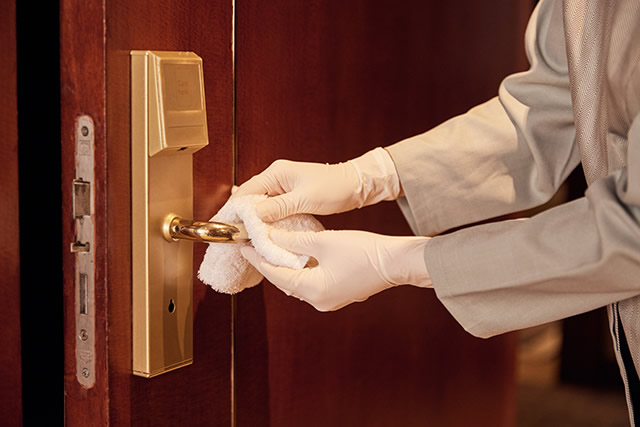
Subsequently, reinforce the door with mechanical fastening. Secure a plate with four holes on the latch, install screws to attach it to the door, and then create a corresponding groove on the right side to accommodate a magnet.
Finally, debug the PID card, remote control, and other components together. Starting with the card, connect the battery. If it fails to recognize, it will emit a beeping sound. Operate according to the instructions. The remote control can open the door by pressing the A button.
Three. How to set up the card access system for hotel doors.
Step 1: Software
1、Software license: Place the software license card on the reader and locate the license option within the software, then click to activate it.
2. Modify password, add operators, and assign different permissions.
3. Configure the hotel layout, adding hotel floors, districts, areas, and levels.
4、Add room type and room number (the room number must correspond to the correct building, district, area, and floor).
Step 2: Setting the card
1、Room Setting Card (one card per room, with the corresponding room number clearly marked).
2. Time cards (Time cards must be updated immediately upon use and should be re-issued if used for more than 1 hour).
3. Initialize the card (also known as "clear card," used to remove door lock authorization information).
Step 3: Configure door lock information
1. Inspect whether the hotel door locks are installed correctly and whether the batteries are properly installed.
2. Configure door lock information in the following order: swipe door lock authorization card - room setting card (swipe the corresponding room number) time card. If all cards light up normally, it indicates success.
3. Testing: Swipe the corresponding guest card to open the door.