
One, can the computer chair be installed by oneself?
Okay, most computer chairs purchased online will come with installation instructions, and the installation method is relatively simple. If you have the time and confidence in your DIY skills, you can install it yourself.
II. How to install a home computer chair
Organize all parts on one side and check for any damage or missing components. Also, carefully inspect the wheels, as they are prone to damage, and ensure they are correctly installed before proceeding.
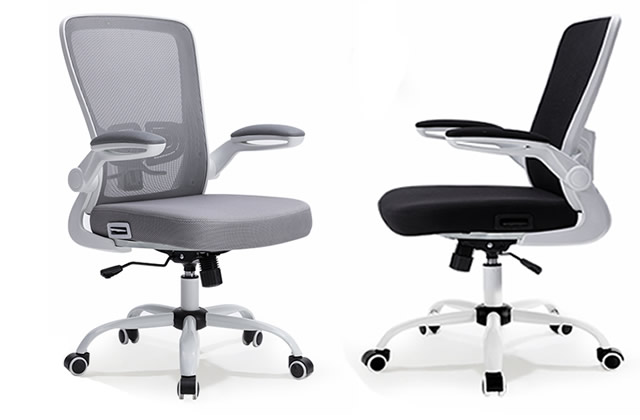
Remove the chair back and place it on the floor, facing away from the tiles. Take out the part with two holes and prepare the screwdriver to tighten it.
Remove the seat and place it upside down. If the base has a protective layer or ring, simply attach it to the base.
For certain areas, a screwdriver is not required. Simply align the holes and then install the components.
Rollers are typically inserted by pressing them in. Check the installation location for threads; if present, rotate and tighten them. If there are no threads, apply sufficient force to press them in.
The backrest of the computer chair has two screws. Use a screwdriver to remove the screws and install the parts.
When installing the handles, there are three screws on each side under the seat. Unscrew them, place the parts on top, aligning the holes, and then tighten the screws. Pay close attention to the handle's orientation to avoid incorrect installation.